
Restaurants
QR Code Menu vs Paper Menu: An Honest Comparison
Founder of transfactor.dev and SafestMenu, building software for restaurants he actually eats at.
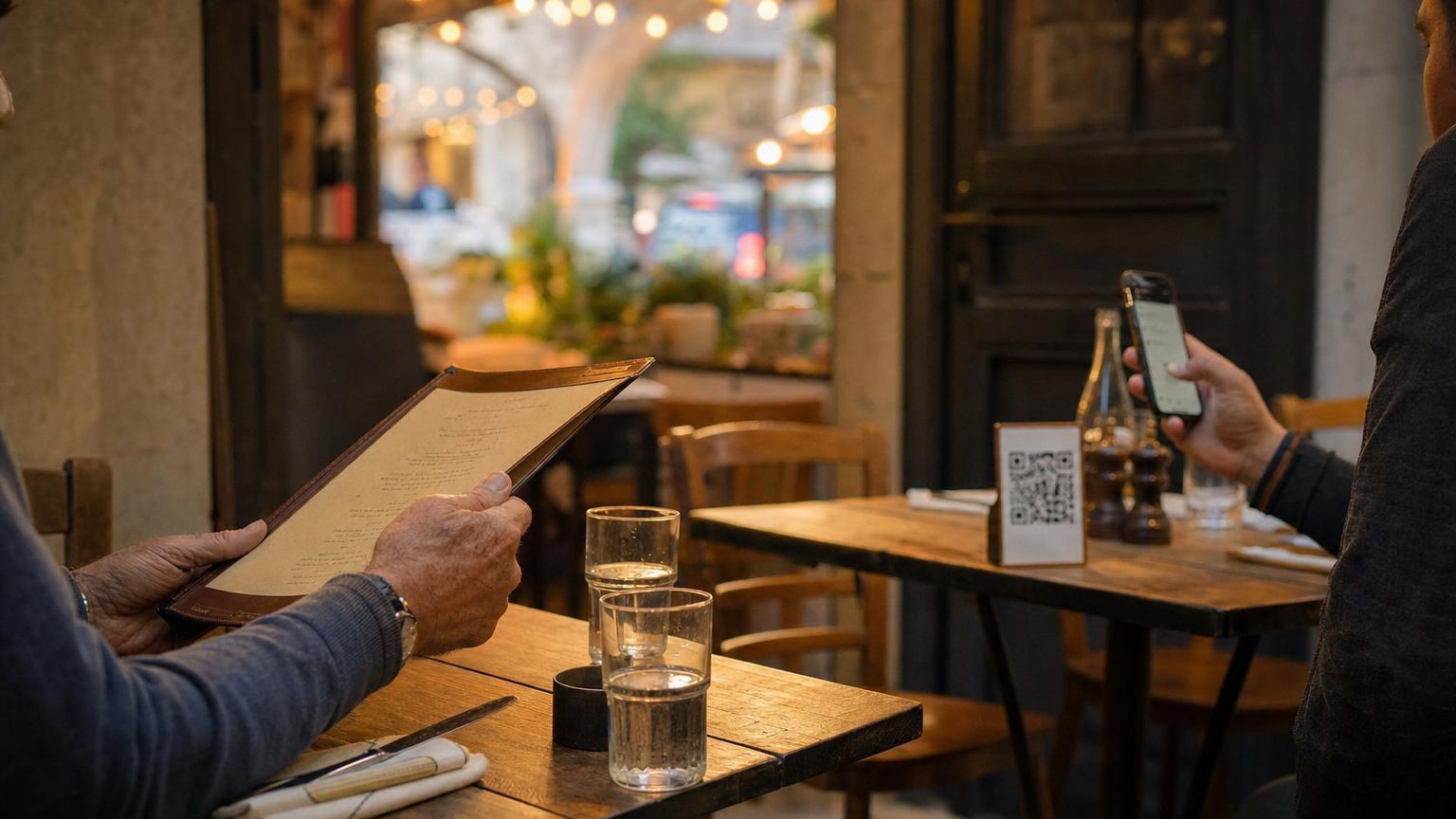
Last month I sat two tables apart from an older couple who waved off the little QR code stand and asked the server, "do you have a real menu?" Ten minutes later, a couple in their twenties sat down, scanned the same code without breaking their conversation, and had ordered a starter before their coats were off. Same restaurant, same code, two completely different reactions - that's the QR code menu vs paper menu question in one snapshot.
It's not that one is right and one is outdated. It's that they solve different problems for different guests, and pretending otherwise is how you end up building a menu that annoys half your room.
The honest pros and cons of a QR code menu vs paper menu
I've built a QR menu product, so you'd expect me to say digital wins everywhere. It doesn't. Here's paper's real case:
- Never runs out of battery and never loses signal in a basement dining room
- Feels familiar to guests who don't want to touch their phone at dinner
- Doubles as part of the ritual for some restaurants - handing over a leather-bound menu is part of the theater
- Zero learning curve for anyone, at any age, in any mood
And here's where a QR code menu earns its keep:
- You change a price or 86 a dish from your own phone, and it's live before the next table sits down
- One menu, six languages, so a German, French or Romanian guest reads it in their own language without you printing a thing
- Nothing gets handed between tables, wiped with a napkin, or left sticky from the last service
- Photos, including AI-generated ones for dishes you've never had time to shoot, take seconds to add or swap
The bottom line: paper's strength is that it needs nothing from anyone. A QR code menu's strength is that it needs almost nothing from you.
Where paper is legitimately better
I'll say this plainly, because a lot of QR menu companies won't: some restaurants should keep paper as their main menu. If your dining room skews older, if reading a phone screen at the table feels wrong for the mood you've built, or if your kitchen simply changes prices twice a year, the case for switching gets thin fast.
Weddings, tasting menus, and anywhere the menu itself is part of the gift also lean paper. Nobody wants to unwrap a QR code. And if your Wi-Fi and signal are genuinely bad, which still happens in older buildings and basements, a laminated card just works when a phone doesn't.
What digital actually solves
Where a digital menu vs paper menu comparison gets one-sided is anywhere your menu changes often, serves guests who don't speak your language, or gets handled by a lot of hands in a shift. Paper menus quietly cost more than owners expect once you count the reprints, the laminating runs, and the staff time spent explaining a price that's wrong on the page.
Hygiene is the other honest point. A QR code opens on a screen the guest already owns and already wipes down themselves. Nobody's third table today is touching the same surface as your first.
The hybrid setup most restaurants land on
Almost nobody I talk to goes all-digital and never looks back, and almost nobody stays all-paper once they've tried the alternative for a month. Most land somewhere in between:
- QR code on every table as the default, linked from a small stand or sticker
- A handful of laminated paper menus kept behind the bar for guests who ask, or whose phone is dead
- Prices and specials updated on the digital version the moment they change, with paper reprinted only a couple of times a year as a rough backup
That's not indecision. It's just matching the tool to the guest in front of you. If you want the setup done properly rather than bolted on, QR code menu best practices covers the placement and wording mistakes that make guests distrust a perfectly good code.
Try it before you decide
You don't have to take my word for either side. Your first menu, five dishes, is free at app.safestmenu.com, no card needed, so you can put a QR code on one table and a paper menu on the next and watch which one your actual guests reach for.
Paper isn't dying and digital isn't a fad. Most good restaurants I've seen just quietly run both, and let their guests pick.