Restaurants
QR Code Menu Best Practices Restaurants Get Wrong
Product and QA at SafestMenu, making sure every menu edit shows up right before a guest ever sees it.
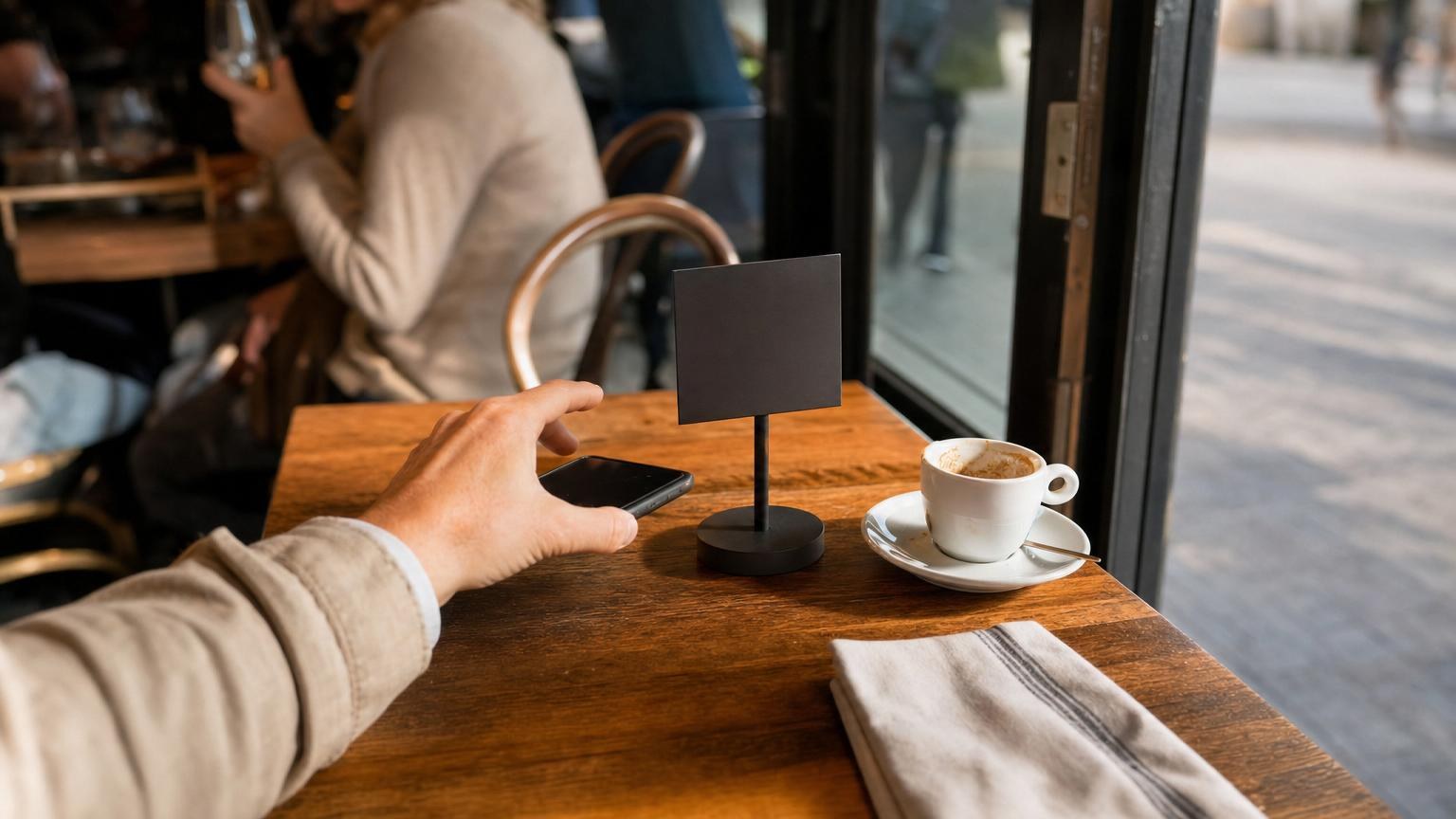
Last month I sat at a bistro table, phone out, ready to order from the QR code menu. It was laminated under the glass tabletop, and the ceiling light bounced straight off it. I tilted my phone four different ways before the camera found the code - the couple next to me just gave up and flagged down a waiter.
That's the thing about a restaurant QR code menu: the code itself is the easy part. Most QR code menu best practices have nothing to do with the code, and everything to do with what's around it - the print size, the table setup, the link behind the scan. When we tested table setups for SafestMenu across a handful of real venues, the same mistakes kept showing up, in cafes, beach bars, and places that clearly cared about the food.
Size and placement: the QR code menu best practices nobody mentions
A code the size of a postage stamp looks tidy on a napkin holder. It's also unreadable from where a guest is actually sitting - arm's length, phone at an angle, maybe reading glasses left at home.
Print the code at least 4-5 cm across for a tabletop stand, bigger if it's mounted further away on a wall or host stand. Test it yourself: stand where a guest would sit, phone at a normal distance, and see if it scans in under two seconds.
The bottom line: if you'd have to squint at it, don't ask your guests to.
One code every guest can reach, not one per table edge
This one surprised me the first time I saw it: a restaurant had put a single QR code at one end of a long communal table, expecting eight guests to pass a phone around to scan it.
Every seat should have its own reachable code, or close to it. For a four-top, that means one in the middle everyone can reach, not one taped to the edge nearest the kitchen. For bar seating or long tables, print several small stands instead of one big one at the end.
Skip the glass, skip the glare
Laminating a code and sliding it under a glass tabletop feels durable. It also creates a glare trap under any overhead light, spotlight, or sunny window - exactly what happened to me at that bistro.
A simple table tent or a small acrylic stand on top of the table works better than anything sealed under glass. If you're outdoors, matte lamination beats glossy every time - glossy paper turns into a mirror in direct sun.
Always have a fallback for guests without a working phone
Not every guest wants to scan a code. Some have a dead battery, some don't have data roaming, and some just prefer a physical menu, especially older guests. If your restaurant's QR code menu is the only option, you've made ordering harder for the guests who need it easiest.
Keep a handful of paper copies behind the counter or with the host, and train staff to offer them without being asked - "happy to bring you a paper menu if you'd rather" costs nothing. We wrote more about this trade-off in our honest comparison of QR code menus and paper menus, including when paper still earns its place.
The bottom line: a QR code menu should remove friction, not add a new kind for the guests who don't scan.
Why a real mobile page beats a PDF behind the code
This is the mistake I see most often, and it's the one that annoys guests the most. The code scans fine, the phone opens the link, and then a PDF loads sideways. Guests pinch-zoom to read six-point font on a page that takes forever to load, because it's a print file, not a menu.
A code should open a real mobile page: something built for a phone screen, that scrolls normally, loads fast, and lets guests read dish names and prices without a gesture tutorial. If you're setting one up for the first time, our step-by-step guide to building a QR code menu walks through it from a blank page to a live menu.
With SafestMenu, the code opens straight into a mobile page in the guest's own browser - no app, no PDF, no zooming. Owners edit dishes and prices from their phone and changes go live instantly, and menus can show in six languages for international guests. Set one up at app.safestmenu.com - the first menu, with five dishes, is free, no credit card, no time limit.
The checklist before you print
Before you order a stack of table stands, run through this:
- Stand where a guest sits and scan the code yourself, at a normal distance.
- Count reachable codes per guest, not per table.
- Use matte lamination or a stand, never glass.
- Keep paper copies on hand and tell staff to offer them.
- Open the link on your own phone and check it's a real page, not a PDF.
None of this takes more than an afternoon. Fix the code once and you'll stop losing orders to glare, squinting, and a menu nobody can actually read.