Restaurants
How to Create a QR Code Menu (Step by Step)
Founder of transfactor.dev and SafestMenu, building software for restaurants he actually eats at.
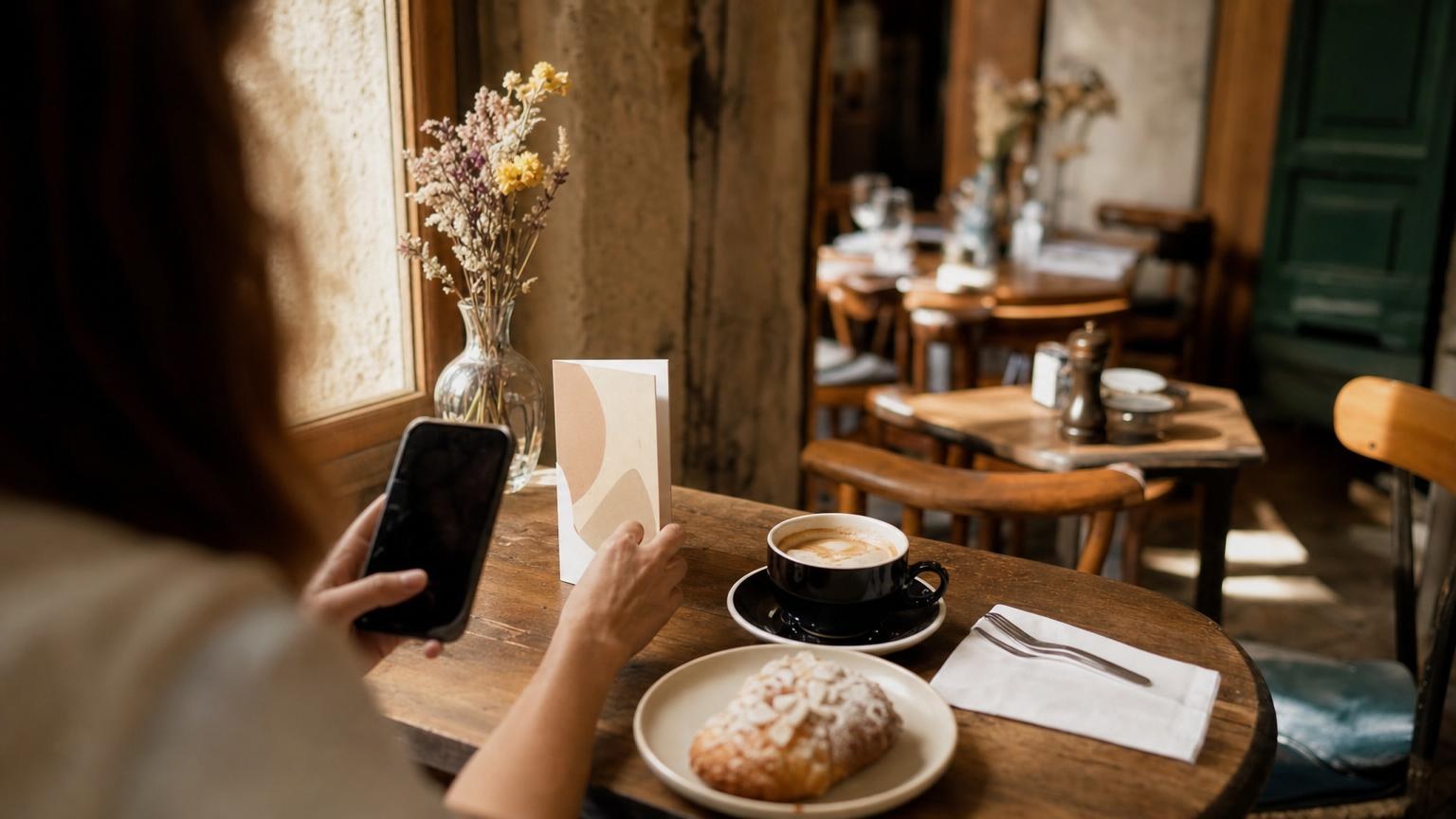
I got a text last month from someone who'd just taken over a café near the train station: "I need a QR code menu by Thursday lunch and I have no idea where to start." She was picturing a whole project - a developer, a design brief, weeks of back and forth. Two hours later she sent me a photo of a card sitting on table three, QR code and all, working.
That's the honest answer to how to create a QR code menu: it isn't a tech project. It's typing your dishes into a form, the same way you'd write them on a notepad, and getting a code back that guests can scan. If you can send a text message, you already have the skills for this.
Why owners assume it's harder than it is
I hear the same worry from almost every owner before they try it: "I'm not technical, I'll mess this up." Fair worry - a lot of software makes you feel that way on purpose, with settings buried three screens deep.
A QR code menu doesn't need any of that. You're not building a website or learning a design tool. You're filling in the same information that's already on your paper menu, and the QR code gets built for you the moment you save it.
How to create a QR code menu in five steps
Here's the actual path from dishes on paper to a QR card on the table:
- Write down what you're already serving. Dish name, price, maybe a one-line description. If it's on your current menu, you already have this.
- Type it into a menu QR code generator. With SafestMenu you do this from your phone, one dish at a time, in the same form you'd use to write a shopping list.
- Add photos if you want them. Shoot your own, or use AI Studio to generate a photo for a dish you haven't gotten around to photographing.
- Pick your languages. Menus can show in German, English, Spanish, French, Italian and Romanian, so you're not building six separate menus for six sets of guests.
- Get your QR code. It's ready the moment you save the menu - download it, print it, done.
The bottom line: none of these steps involve code, a developer or a design file. It's data entry, and most owners get through it in less time than it takes to eat lunch.
What to print, and where it goes
A QR code doesn't need a poster. A small table card, roughly the size of a drinks coaster, works better than a full page - guests are more likely to pick it up and scan it than to squint at a code printed across an A4 sheet.
Put one on every table, angled so it's the first thing a guest's hand lands on, not buried under the cutlery. A second copy at the door or by the till helps guests who want to browse before they sit down. If you already laminate your table cards, laminate this one too - it survives spills exactly as well as your old menu did, minus the fading text.
We go deeper on placement mistakes owners make in QR code menu best practices.
How updates work once you've launched
This is the part that surprised the café owner most: she figured that once the code was printed, changing a price meant reprinting the card. It doesn't - the card never changes, only the page behind it does.
Open the menu from your phone, change a price or swap out a dish, and it's live the moment you save it. No new QR code, no new print run, no telling staff to say "actually, that one's changed" all night. Guests just scan the same card and see the current menu, whatever changed an hour ago.
If you're weighing whether this is worth the switch at all, I wrote about what paper menus quietly cost restaurants, and it's more than most owners expect.
Free to start, if you want to just try it
You don't need to commit to anything to see whether this works for your place. Your first QR code menu is free - five dishes, no credit card, no time limit - and you can build it at app.safestmenu.com in less time than it took you to read this.
I built SafestMenu because I kept watching owners solve this problem badly: a sticky note, a crossed-out price, a laminated sheet nobody wants to reprint for one dish. A QR code menu solves it once. Type your dishes, get your code, put it on the table, and go run your lunch service.