Restaurants
Digital Menus for Small Restaurants: What You Actually Need
Founder of transfactor.dev and SafestMenu, building software for restaurants he actually eats at.
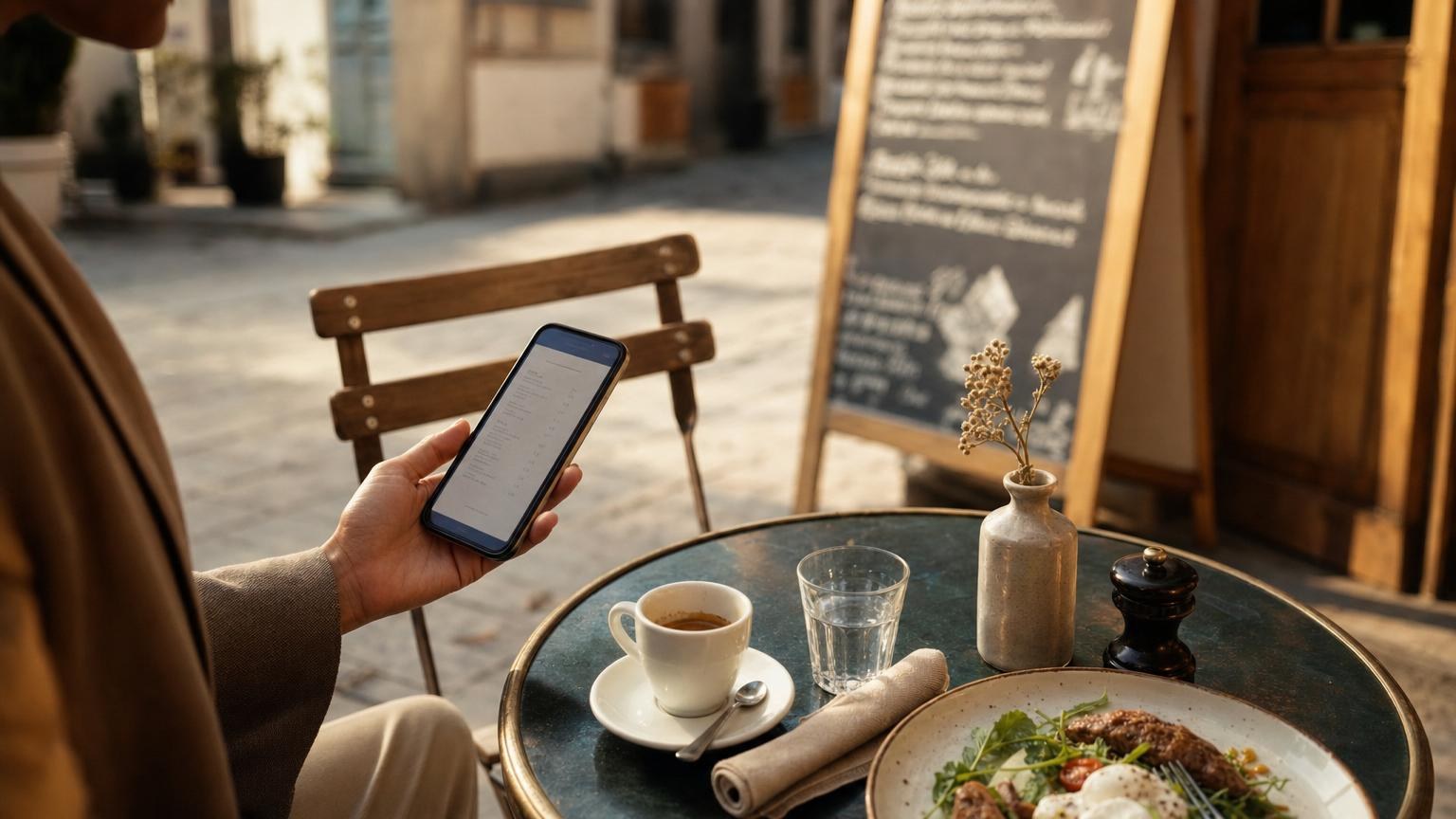
A friend of mine runs a twelve-table trattoria near the train station in Cluj. Last month she called me half laughing and half panicked, waving around a proposal from a "smart menu" vendor: a tablet stand for every table, a kitchen printer upgrade, and a POS integration that needed a technician just to switch on. None of that has much to do with what a digital menu for small restaurants actually needs.
She doesn't need any of it. Neither do most of the small places I talk to. Strip away the sales pitch, and a digital menu is one of the simplest tools you can add to a restaurant, café or bar - if you know what to skip.
What you can cross off your list
Start with what you don't need, because that's where most of the anxiety comes from. Tablets bolted to every table crack, get sticky, and need charging every night. Self-service kiosks make sense for a burger chain doing hundreds of covers a day, not for a bar with eight stools and a regular crowd.
Does an eight-table wine bar really need a POS integration? Almost never - it sounds impressive on a sales call, but for a small kitchen it usually means paying for a connection you'll touch once a year, if that.
The bottom line: if a feature needs an IT visit to set up, it's probably built for someone else's restaurant, not yours.
What a digital menu for small restaurants actually needs
Cut all that away and the real list is short. Three things:
- Easy edits. You should be able to change a price or mark a dish sold out from your own phone, mid-service, without calling anyone or waiting on a developer.
- Phone-friendly, not app-friendly. Guests already carry a phone. They scan a code on the table, the menu opens in their own browser, and that's the whole interaction - nothing to download, nothing to delete later.
- Languages, if you get visitors from out of town. A menu only your regulars can read is a menu that loses orders to guesswork and pointing.
Everything past that is a nice-to-have, not a requirement.
Guests who don't speak the local language
I've watched a tourist stare at a menu, shrug, and just order whatever the table next to them got. That's a sale you can win back with almost no effort. SafestMenu shows the same menu in six languages - German, English, Spanish, French, Italian and Romanian - so a guest picks their own and reads the exact dishes and prices you set, with no separate document for you to keep updated by hand.
If translating your own menu makes you nervous, here's how to do it without the embarrassing mistakes.
What it should cost you
Cost is where most owners freeze, and I get why. Nobody wants to sign a year-long contract for a tool they haven't tried yet. A digital menu for restaurants shouldn't need a setup fee, a sales call, or a card on file before you even see what it looks like.
With SafestMenu, your first menu, five dishes, is free - no credit card, no time limit. If you outgrow that, you pay for more menu space, not for tablets, printers or integrations you'll never touch.
The bottom line: judge the cost by what you'll actually use, not by a feature list built for a restaurant three times your size.
Start with the menu you already have
You don't need to redesign anything to try this. Build it with the dishes you're already serving this week, print a small QR code for the tables, and see how it feels for a few days. If paper has been quietly costing you more than you realized, that's worth a closer look too.
You can set up your first menu at app.safestmenu.com in less time than it takes to update a chalkboard.